Contents
- Choose the level of formality based on concrete cues
- Practice the day’s movements
- Think about your badge and accessories
- Plan for seated sessions and cool rooms
- Choose a bag that lets you take part in conversations
- Three outfit formulas to adapt to your role
- Plan your outfit with clothes you already own
- Frequently asked questions
- Sources and references
A professional conference often packs several kinds of moments into one day: standing at check-in, sitting through sessions, chatting over coffee, and sometimes speaking onstage. Your outfit should fit the industry while making it easy to move through all of them. The goal isn’t to blend in or look more formal than everyone else, but to be ready for what you came to do.
For a professional conference, choose a base that suits your industry and feels comfortable sitting and standing, then check the details for your badge, bag, and any talk you’ll give. Plan the complete outfit before you leave, including your shoes and the layer you’ll wear between venues.
Choose the level of formality based on concrete cues
The event website, information sent to attendees, and photos from previous editions can offer useful cues. The idea isn’t to copy someone, but to understand the setting: a creative fair, academic conference, business meeting, or institutional event may each have different norms.
If there’s an explicit dress code, start there. Otherwise, choose a version of your usual style that suits the industry. A pants-and-blouse combination, a simple dress, or a relaxed suit may work, depending on the situation. None is a universal rule for looking competent.
Consider your role, too. You won’t move the same way if you’re attending sessions, staffing a booth, or leading a workshop. Your outfit can stay the same, but your pockets, bag, and shoes may need different consideration. For general tips, see our guide to the business casual.
Practice the day’s movements
Put on the full outfit and try a few movements: sit down, take notes, lean toward a bag, climb a step, and reach out. If you’ll be speaking, do a quick practice run while standing. Does your top stay in place? Does the jacket pull across your back? Do your pants let you move freely?
An outfit that makes you pull up a sleeve or adjust a collar every few seconds adds an unnecessary task. Fix the specific issue instead of changing the whole look. Sometimes a different layer, a looser belt, or another top is all you need.

Choose shoes for walking between rooms and standing during breaks. A pair you’ve already worn for a similar day is a better guide than brand-new shoes picked just for the event. If you want to wear heels, check how comfortable they are during the actual movements you expect—not just for a few minutes at home.
Think about your badge and accessories
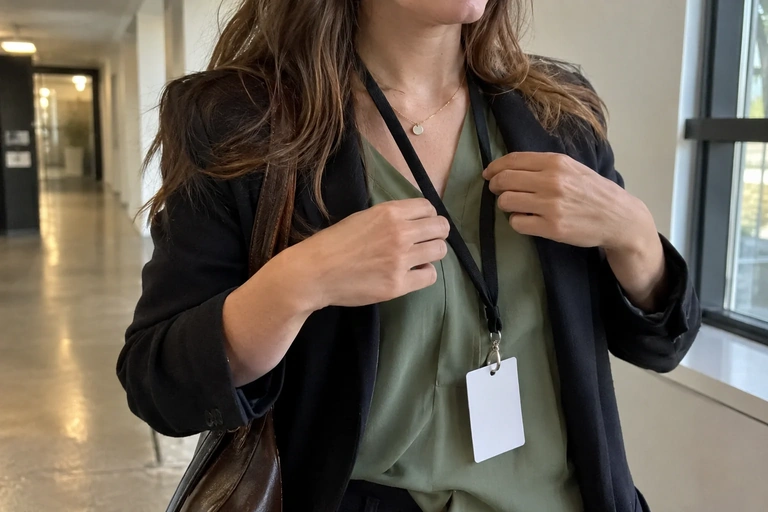
Depending on the event setup, your badge may go on a lanyard, clip on, or attach another way. You may not know its shape in advance, but you can avoid accessories that layer awkwardly across your chest. A very long necklace, a bulky scarf, and a badge can get in each other’s way.
Keep details around your face simple if that makes your day easier. You can still wear a statement piece, a color, or a texture you love without piling on items you’ll need to readjust. The goal is to keep your outfit comfortable with the items provided at the venue.
If you’ll be speaking, ask the tech team which microphone they’ll use and whether you’ll need to wear a transmitter. Shure’s guides note that clothing or objects rubbing against a microphone can create noise. Try it with the team instead of attaching the equipment yourself at random. Your outfit should allow for the planned setup while keeping you comfortable.
Plan for seated sessions and cool rooms
Sit for a few minutes as if you were taking notes. Does the waistband of your bottoms dig in? Does a closed jacket restrict your arms? Is your dress still comfortable when you cross or uncross your legs? These observations give you practical criteria for choosing between two outfits.
A removable layer can help you adapt to different temperatures in the rooms, lobby, and outdoors. Choose one that works with your base outfit and is easy to carry. A very structured or bulky jacket may suit some settings, but you’ll need somewhere to put it when you take it off.
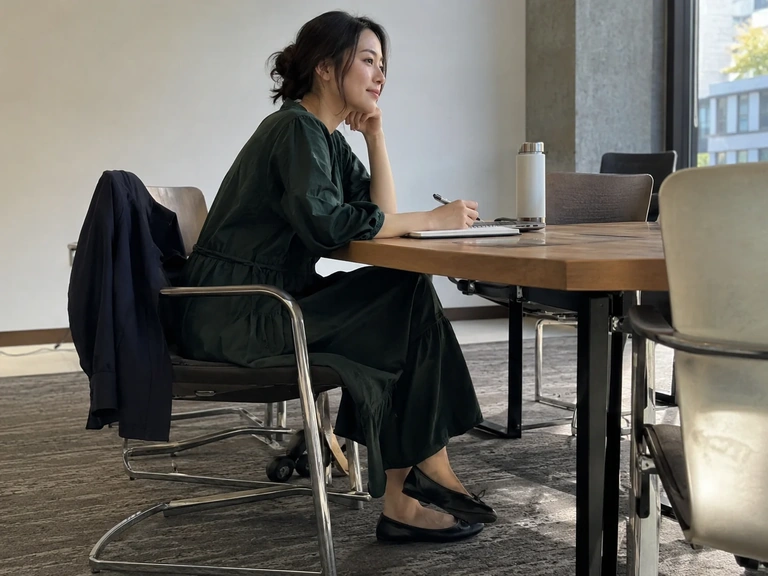
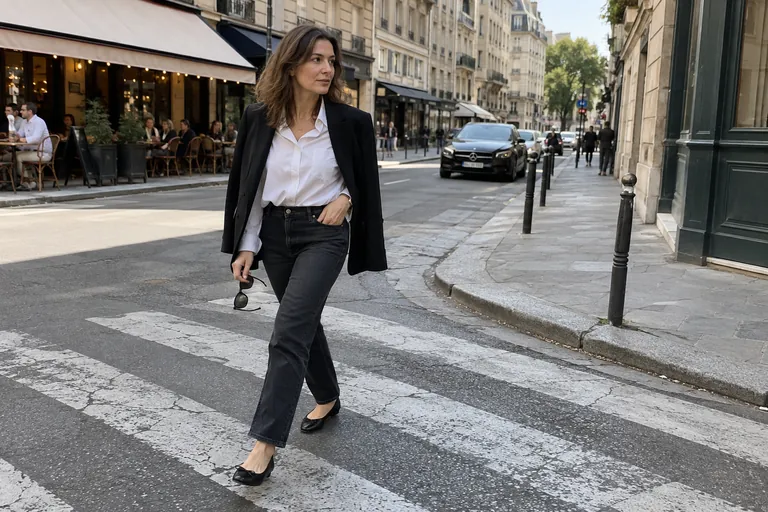
Don’t build your outfit around a jacket you never want to take off. The top underneath should work for the meetings you have planned. If you need ideas, pairings with the a can help create a professional foundation that still feels like you.
 Read alsoCasual chic: the simple formula for looking polished every day
Choose a bag that lets you take part in conversations
A useful bag holds what you need without tying up your hands. Think about what you’ll actually carry: a laptop if you’ll need one, a notebook, charger, documents, and personal items. A large empty bag may seem practical; once it’s full, it can get in the way during every standing conversation.
Check the closure and make sure you can reach the things you use often. You should be able to grab your notebook without putting all your layers on a buffet table. If there’s a coat check or storage area, check how it works instead of assuming it’ll be available all day.

Also plan for what you’ll need between buildings. The outerwear you need for the commute may be different from the jacket you wear during sessions. If you have to carry both, plan how to manage them before you leave so you don’t end up holding several items.
Three outfit formulas to adapt to your role
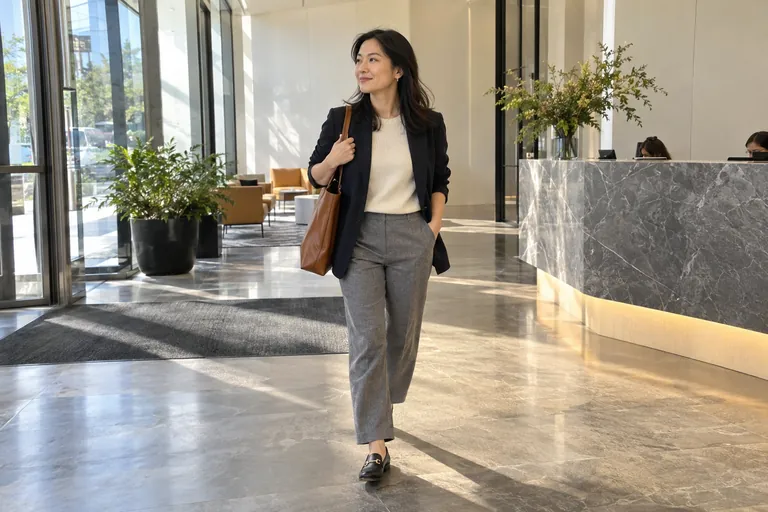
For an attendee’s day at a fairly casual event, try comfortable pants, a simple blouse, and a soft jacket. Familiar shoes and a compact bag make an easy-to-wear foundation. You can add a color you love near your face.
For a more formal presentation, a relaxed suit or structured dress can work if you’ve tested how it moves. Check with the team about the microphone, any transmitter, and the stage steps. A quick run-through in the full outfit often reveals more than a long fitting spent standing still.
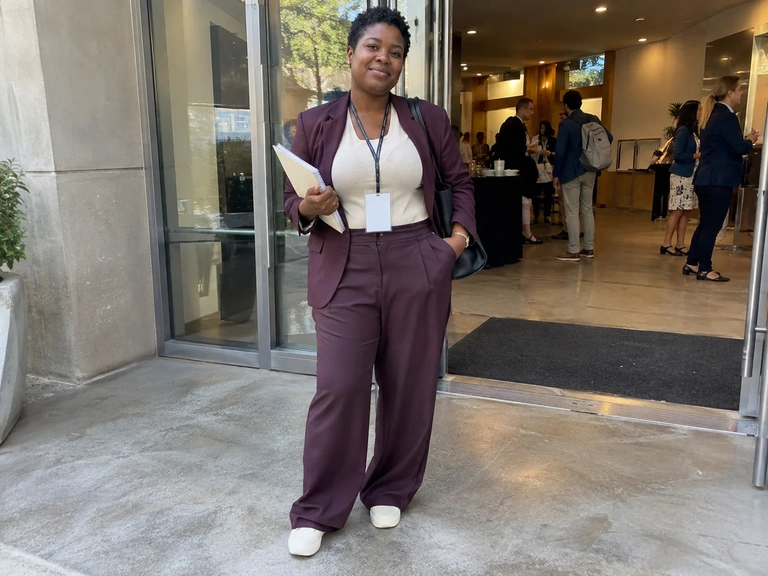
For working a booth or leading a workshop, prioritize mobility and time spent standing. The event’s level of formality still applies, but comfortable shoes, freedom of movement in your arms, and accessible pockets become especially useful. Your style should support what you’re doing, not get in the way.
Plan your outfit with clothes you already own
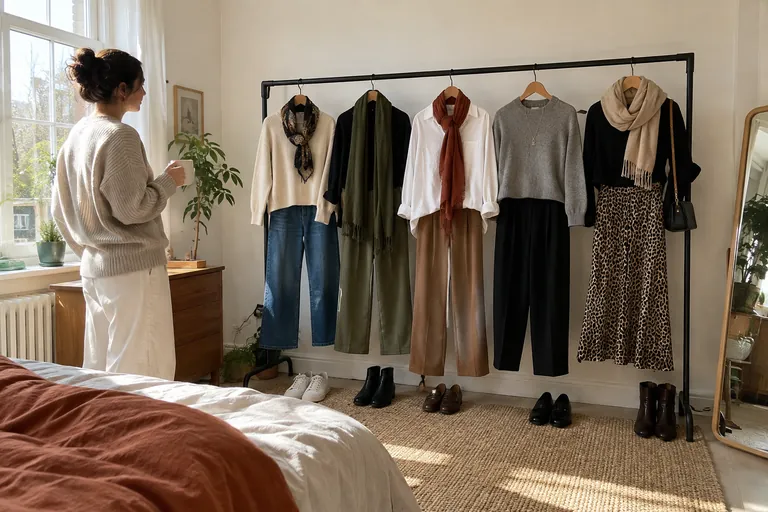
Pull two outfits from your wardrobe and compare them with the schedule in front of you. Ask yourself which one needs fewer adjustments and feels more like you. There’s no need to buy a “conference” piece if something you already own does the job.
In Vestly, use “Build around” with your starting pants, dress, or jacket. Virtual try-on lets you compare proportions on your photos, then save the looks you choose. The planner helps you prepare for the event date. Finish by trying the outfit on for real and checking your movements, bag, and accessories: the image can’t replace those checks.
Check off
My conference outfit is ready
0 / 6
Your outfit is ready for the different parts of the conference. You can focus on the talks and meeting people.
Watch a practical example
A visual example from Basia Richard to compare with the steps in this guide.
Video in English
Frequently asked questions
Is a suit required?
No, unless there’s a specific dress code. The level of formality depends on the industry and the event. Another polished, appropriate combination can work just as well.
Can you wear sneakers?
In some settings, yes. Check the event’s dress norms and choose a pair that works with your look. Comfort matters, but you should also follow any explicit rules for the venue or your role.
What should you prepare if your presentation will be filmed?
Ask the team whether there are specific recommendations for filming and microphones. Try everything under the conditions available. Don’t assume there’s one rule for colors or patterns without knowing the equipment and setting.
Sources and references
- Shure, audio guide for video and film, accessed September 30, 2026, on the role of clothing rustle around a lapel microphone.
- Vestly, app overview, accessed September 30, 2026.