Contents
- Set the context for the call
- Check the collar while seated
- Compare colors in the actual lighting
- Test patterns instead of ruling them out in advance
- Choose accessories that work with your headset and mic
- Prepare a complete outfit that’s easy to wear
- Check the framing without spending all morning on it
- Keep a small selection you’ve already checked
- Frequently asked questions
A blouse you love in the mirror can look very different in a video call preview. The camera frames part of your outfit, lighting changes colors and sitting down shifts the collar. It’s easy to check these differences before the meeting, without looking for a wardrobe made specifically for screens.
To choose an outfit for a video call, start with the expected level of formality, try on the top in your work position, and check how it looks with your actual camera and lighting. Get the rest of your outfit ready too: you should be able to stand up or carry on with your day without having to change in a hurry.
Set the context for the call
A regular team meeting, a client presentation and a job interview don’t necessarily call for the same thing. Consider the context, your role and the norms you already know. If the invitation specifies a particular dress code, take it into account instead of assuming every remote call is informal.
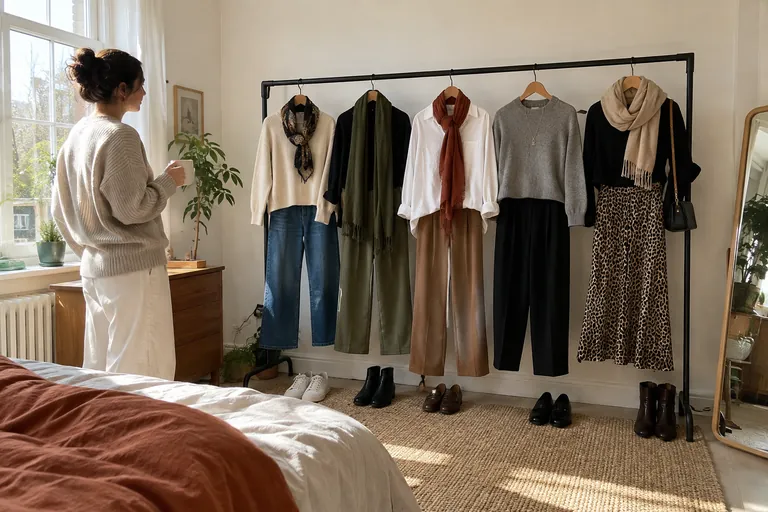
Next, choose a base that feels like you and that you’ve worn before. A shirt, a fine knit or a solid-color top may work, depending on the context. Our guide business casual helps you put together a flexible professional look; for an application, also check the guidance on interview attire. Treat the video call as a real-life use case, not as a reason to buy a whole new outfit.
Check the collar while seated
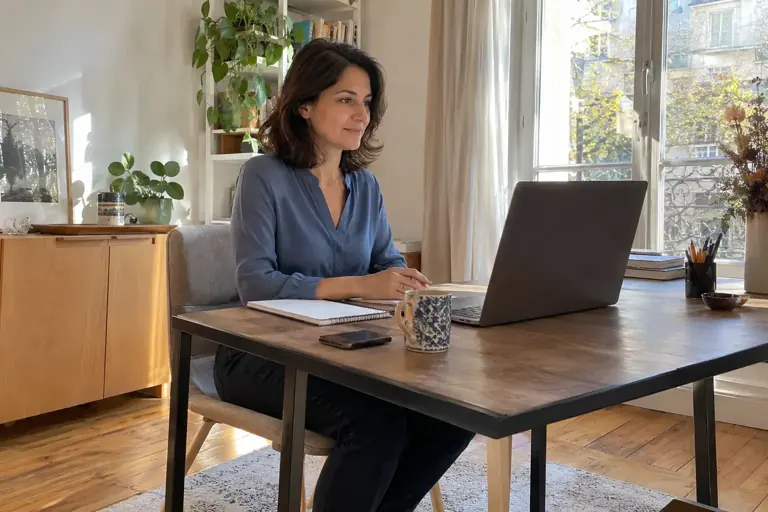
Sit in the chair and at the desk you’ll use for the call. See how the collar sits when you’re relaxed, then when you lean forward slightly to write. A soft neckline, button placket, or jacket lapel may shift more than it does when you’re standing.
Try a few everyday movements: reach for a notebook, move the mouse, take a drink of water. Make sure your top doesn’t keep making you adjust a seam or button. If a shirt pulls when you’re sitting, try a different cut or choose another top before the meeting. A last-minute fastening doesn’t make up for the ease you need during a call that may run longer than expected.
Compare colors in the actual lighting
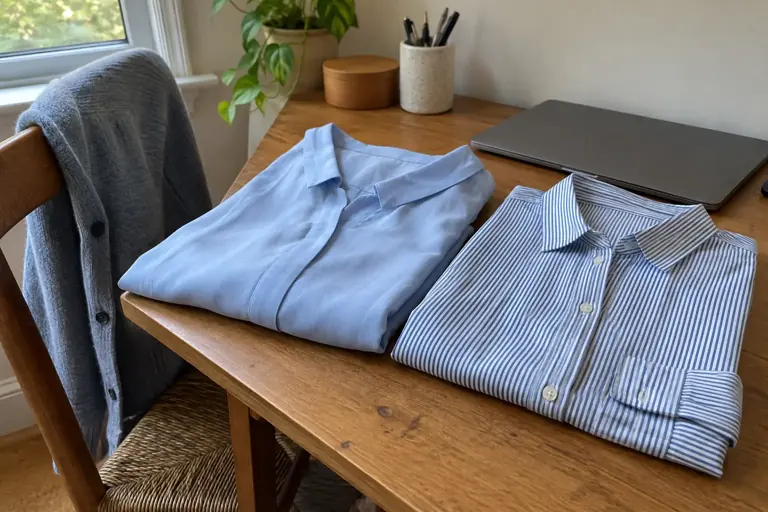
Open your camera preview if your software offers one, then look at two tops under the same light. You don’t need to know an “ideal color for video”: the result also depends on the room, the background, and the camera. A light top may blend into a light wall, while a bolder shade stands out differently.
Compare without changing several settings at once. Start with your position near the window or lamp, then try changing the color of your top. If the image looks unclear, the clothing may not be the main reason. If you can, run the same test at the time of your call, since late-afternoon light may differ from morning light. The goal is a clear image, not a perfect reproduction of every shade.
Test patterns instead of ruling them out in advance
A pattern can work well on screen, but very fine lines or small prints are worth testing with your equipment. Look at the image at its normal size, then move slightly. If the pattern seems to shimmer, blur, or draw more attention than you’d like, compare it with a solid top you own.
Also check where large prints fall in the frame. A message or image may get cut off in the middle, even if it works well as part of the full look. You can keep it if you like the result, or save the top for another occasion. The point of the test is to avoid a surprise when you turn on your camera, not to make prints off-limits altogether.
 Read alsoHow to put together a harmonious outfit with what you have
Choose accessories that work with your headset and mic
Put on the earbuds or headphones you’ll use. Check whether your earrings bump against them, a necklace brushes against the mic, or a noisy sleeve touches the desk when you write. A small detail can become distracting during a meeting, even if it’s no problem outside the call.
You can keep a piece of jewelry you like and simplify the other details. If the collar already has details, compare it with more understated accessories. Try everything on with your glasses too, if you wear them at the screen. Your final choice should still feel comfortable while you take notes and move your head, not just look good in a still image.
Prepare a complete outfit that’s easy to wear
Choose comfortable bottoms for sitting, with a waistband or closure that won’t dig in at the office. Even if the camera mostly frames your upper half, you may need to stand up, open a door, or look for a document. A complete outfit means you won’t have to worry about what might enter the frame.
Think about warmth, too. A jacket may work at the start of a presentation but feel uncomfortable in a heated room. Try the look with and without the extra layer so you can take it off easily. If you switch between calls and everyday tasks at home, start with a base you really enjoy wearing. You can save the jacket or an accessory for certain moments without having to put together a whole new outfit.
Check the framing without spending all morning on it
Set up your computer as it will be during the call, then check the space visible around you. Make sure your outfit still looks clear when you sit in your usual posture. If you have to sit rigidly to keep the look right, adjust the camera framing or the garment instead. You should be able to listen and speak without monitoring every move.
Take a few seconds to check the collar, shoulders, and any spots that feel tight. Then close the preview and continue getting ready. A quick, practical check is often enough. If you have the same calls regularly, keep one or two tried-and-tested combinations instead of starting your search from scratch before every meeting. A familiar outfit frees up time to prepare what you want to discuss.
Flip cards
What adjustment should you try?
The top blends into the backgroundFlip
Compare a different color or lighting position, changing just one thing at a time.
The collar shifts as soon as I take notesFlip
Try it again while sitting and choose a cut that stays comfortable as you do so.
The pattern looks unstable on screenFlip
Compare it with a solid-color top in the same preview, using the same settings.
Jewelry gets in the way with my headsetFlip
Keep the accessory that adds the most to the look and simplify anything that rubs or bumps against your headset.
Keep a small selection you’ve already checked
After the call, note what worked well: the top, the extra layer, the accessories, and how comfortable you felt sitting down. If anything bothered you, describe it precisely before you forget. That way, you’ll know what to change next time without deciding the whole outfit was wrong.
You can add these combinations to your outfit planner and find them in Vestly. Have a second option ready in case the first one needs washing or the temperature changes. The goal is to get ready easily and reliably: clothes that suit the setting, a checked-on-screen look, and enough comfort to focus on the conversation.
Check off
Before turning on my camera
0 / 5
Your outfit is ready; you can move on to preparing for the conversation.
Watch a practical example
A visual example from Lydia Tomlinson to compare with the steps in this guide.
Video in English
Frequently asked questions
Should you always wear a jacket on video calls?
It depends on the setting and your conversation partner’s expectations. A polished knit or shirt may work; a jacket can be useful for some more formal conversations.
Can you wear white on camera?
Yes. Just check how it looks with your lighting and background. A real test is more useful than a color recommendation that claims to work with every setup.
Is an outfit that looks good in the mirror enough?
The mirror gives you a first impression, but sitting down and the camera frame change what’s visible. A quick camera preview completes the test.